
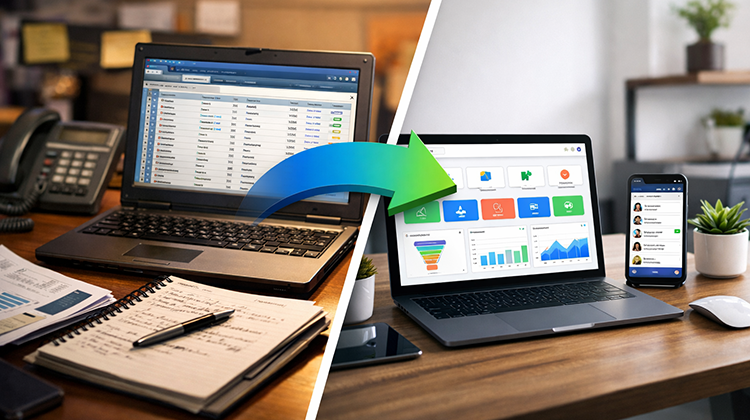
CRM Migration Guide: Moving From Traditional CRM to GoHighLevel
If your current CRM feels complicated, expensive, or disconnected from your marketing tools, you’re not alone.
Many businesses start with platforms like Salesforce, HubSpot, or Zoho CRM — but as operations grow, they realize:
- Tools don’t fully integrate
- Automation is limited or complex
- Costs increase with add-ons
- Reporting feels fragmented
- Marketing and sales stay disconnected
This is where GoHighLevel becomes a powerful all-in-one solution.
However, migration is not just about switching software. It’s about rebuilding your growth system correctly — which is why many businesses choose to hire GoHighLevel expert in USA for structured implementation.
Why Businesses Are Leaving Traditional CRMs
Traditional CRMs often require:
- Multiple third-party integrations
- Separate email marketing tools
- External funnel builders
- Additional SMS platforms
- Zapier-based automation
The result? A fragmented tech stack that slows teams down and increases operational risk.
GoHighLevel centralizes:
- CRM
- Funnels
- Email & SMS marketing
- Automation workflows
- Appointment scheduling
- Reputation management
- Pipeline tracking
All under one ecosystem.
Step 1: Audit Your Existing CRM System
Before migration, you must understand what you currently have.
This includes:
- Active pipelines
- Contact databases
- Custom fields
- Automation workflows
- Email sequences
- Integrations
- Reporting dashboards
A professional audit ensures no critical system is lost during transition.
When you hire GoHighLevel expert in USA, they first map your current infrastructure before rebuilding it strategically.
Step 2: Clean and Structure Your Data
CRM migrations often fail because of poor data hygiene.
Common issues include:
- Duplicate contacts
- Missing fields
- Inconsistent tagging
- Outdated leads
- Broken automation triggers
Before importing into GoHighLevel, your database must be:
- Cleaned
- Segmented
- Standardized
- Properly tagged
This prevents automation errors later.
Step 3: Rebuild Pipelines Strategically
Migration is not a copy-paste process.
Instead of replicating old inefficiencies, you should:
- Optimize sales stages
- Simplify pipeline structure
- Add automation triggers
- Align stages with revenue goals
- Integrate marketing follow-ups
A GoHighLevel expert designs pipelines for performance — not just structure.
Step 4: Recreate & Improve Automation Workflows
Traditional CRMs often require complex integrations to achieve automation.
Inside GoHighLevel, workflows can:
- Send instant SMS responses
- Trigger email sequences
- Assign leads automatically
- Move opportunities across stages
- Send internal notifications
- Launch nurture campaigns
Migration is the perfect opportunity to eliminate manual work and improve conversion rates.
Step 5: Integrate Marketing & Sales Into One System
One major advantage of GoHighLevel is alignment between marketing and sales.
Instead of separate systems, you get:
- Funnel tracking tied directly to pipelines
- Automated follow-up sequences
- Centralized conversation history
- Lead scoring and tagging
- Campaign attribution reporting
This creates visibility that most traditional CRMs lack.
Step 6: Test Before Full Launch
Before fully switching systems:
- Run test leads
- Trigger workflows
- Verify pipeline movement
- Check automation timing
- Confirm notifications
Expert setup prevents downtime and revenue disruption.
Common CRM Migration Mistakes
Businesses often make these errors:
- Importing unclean data
- Forgetting custom fields
- Overcomplicating workflows
- Not recreating integrations properly
- Failing to train team members
When you hire GoHighLevel expert in USA, these risks are minimized through structured onboarding and controlled deployment.
Why Hiring an Expert Matters
CRM migration affects:
- Revenue flow
- Lead response time
- Customer communication
- Team productivity
- Reporting accuracy
A poorly handled migration can hurt conversions for months.
A properly structured implementation delivers:
- Faster lead response
- Better automation
- Increased appointment bookings
- Improved tracking
- Higher closing rates
Migration is not just a technical shift — it’s a strategic growth decision.
Final Thoughts
Switching from a traditional CRM to GoHighLevel can transform your business — but only if done correctly.
If you want:
- Zero downtime
- Clean data transfer
- High-converting workflows
- Structured pipelines
- Scalable automation
It’s smart to hire GoHighLevel expert in USA who understands both system architecture and revenue strategy.
The right migration doesn’t just move your data — it upgrades your entire growth engine.
